
How to Take Feet Pics for Selling in 2026 (Phone Guide)
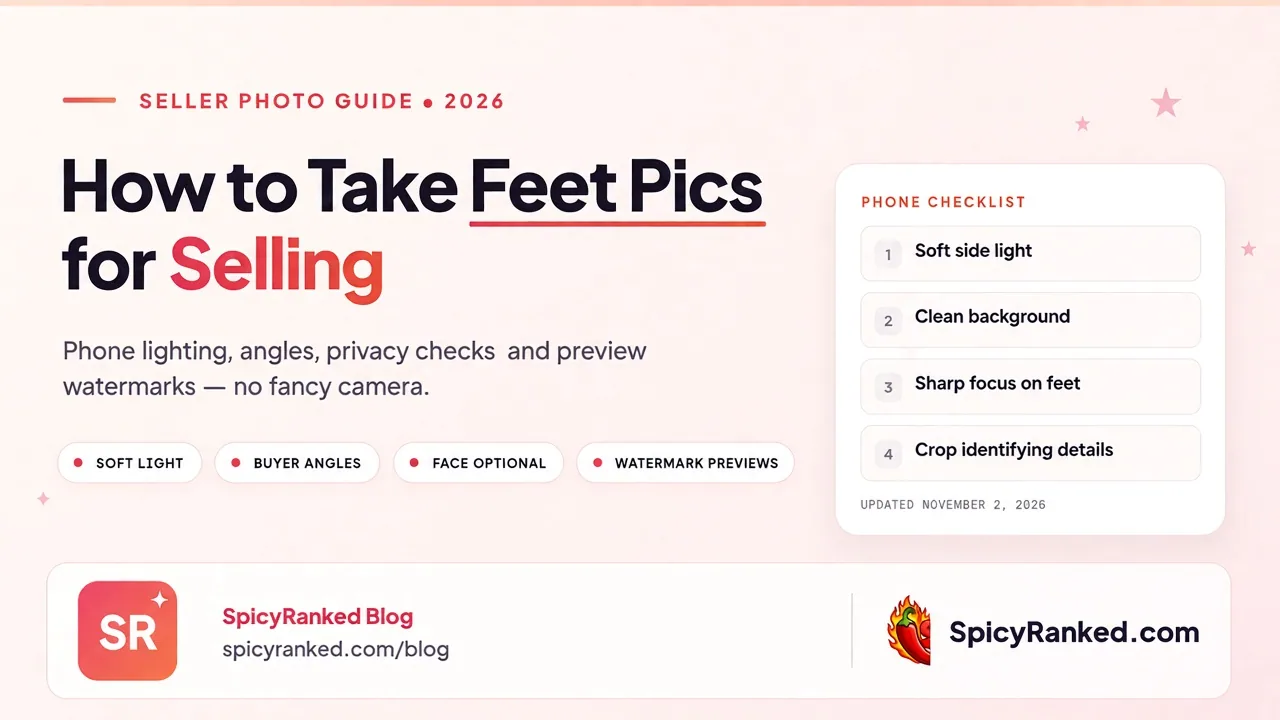
Phone lighting, angles buyers respond to, privacy checks, and preview watermarks — no studio gear required.
Disclosure: "FeetFinder is a SpicyRanked affiliate partner. We may earn a commission if you sign up through our links. Affiliate status never changes our advice. This guide is for adults 18+."
You do not need a studio camera to sell feet pics. Soft light, a clean background, sharp focus and a privacy check usually beat expensive gear.
This guide covers how to take feet pics for selling on a phone: lighting, angles buyers actually respond to, what to crop out, light editing, and how to keep free previews from leaking your full sets.
Quick answer
For selling, treat every shoot like product photography:
Soft natural light (or a soft lamp), not harsh flash.
A plain background with nothing personal in frame.
Sharp focus on the feet - not the floor behind them.
A few clear angles, not ten near-identical shots.
A privacy pass before you upload (mirrors, mail, screens, faces, location clues).
Then price and list on a marketplace that fits beginners. SpicyRanked's current starting pick for sellers with no audience is our FeetFinder review. For wider platform choice, see where to sell feet pics.
What gear you actually need
Phone. A modern smartphone is enough. Clean the lens. Use the rear camera when you can; it is usually sharper than the front camera.
Light. A window with soft daylight is the cheapest upgrade. Optional: a small ring light or desk lamp bounced off a wall so the light is soft, not spotlight-hard.
Surface. A bed sheet, towel, yoga mat or plain floor that does not show clutter. Avoid patterned rugs that fight for attention with your feet.
Optional props. Clean socks, sandals, heels or nail polish - only if they match the niche you want to sell. Props are extras, not requirements.
You do not need a DSLR, a backdrop stand or paid editing software to start.
Lighting that makes feet pics look paid
Buyers judge lighting first.
Prefer soft side light. Sit near a window so light hits the feet from the side or slightly above. Soft light shows texture (soles, arches, nail detail) without blowing out highlights.
Avoid harsh midday sun and direct flash. Hard light creates deep shadows and shiny hotspots that look amateur. If you must shoot at night, bounce a lamp off a white wall or ceiling instead of pointing it straight at your feet.
Watch white balance. If the photo looks orange or blue, retake near a window or tap your phone's daylight / adjust warmth in the built-in editor. Skin and nail colour should look natural.
Test one frame before a full set. Take one photo, zoom in on the phone, check sharpness and colour, then shoot the set.
Angles that sell (and ones that waste a slot)
Variety helps. Repetition does not.
Useful angles:
Full sole, toes toward or away from the camera
Side profile showing the arch
Top of the foot / nail focus
Heel and ankle detail
Slightly elevated looking-down shot if the background is clean
Useful variations:
Barefoot vs socks vs sandals vs heels (separate sets)
Pedicure close-ups if nails are a selling point
Short clips of toe flex or a slow sole reveal if the platform allows video
Skip these:
Ten photos from the same distance and angle
Extreme fisheye or heavy beauty filters that look fake
Shots where the feet are tiny in a busy room
Anything that includes another person without clear consent and platform rules met
Aim for a small set of strong frames (for example 5-10) rather than a dump of near-duplicates.
Background and privacy checklist
Before you upload, scroll every photo full screen and check:
Mirrors and reflective surfaces
Windows with identifiable outdoor views
Mail, packages, street numbers, name tags
Laptop or phone screens with notifications
Family photos on walls
Work badges, uniforms, school items
Tattoos or jewellery you do not want tied to your seller identity (your call)
Other people's feet or faces
Crop aggressively. A tight crop that only shows feet is often safer and stronger than a wide lifestyle shot.
You can sell without showing your face. Buyer-facing privacy and platform ID verification are different: marketplaces may still ask for private age checks. See the FeetFinder review and the sell feet pics hub.
Socks, heels and niche consistency
Pick two or three styles you can repeat. Consistency makes your profile easier to recognise. Examples:
Clean pedicure + bare soles
Everyday socks / ankle socks
Heels or sandals for a fashion niche
Do not chase every fetish tag on day one. Narrow niches are easier to photograph well and easier to write a FeetFinder bio around.
Editing without looking fake
Use the phone's built-in editor:
Crop and straighten
Slight exposure / contrast if the shot is flat
Reduce highlights if the soles are blown out
Sharpen lightly if needed
Avoid heavy skin-smoothing filters, cartoon warmth and watermarks that cover the product. Save heavy branding for free public previews, not for the paid file the buyer opens.
Export at a normal high resolution.
Watermarks on free previews
If you post blurred or free teasers:
Watermark the preview, not the paid delivery (or use the platform's blur tools when available)
Place the mark where a crop cannot easily remove the whole foot
Do not send full unpaid samples because someone might buy later
For payment and sample scams, read how to sell feet pics without getting scammed.
What not to do
Shoot in a messy room and hope crop saves it
Use only the front camera in bad light
Post the same five angles every week with no improvement
Show ID documents, bank cards or login codes in any photo
Move buyers off-platform for better rates
Upload content you do not own or that includes someone else without proper consent and platform checks
After the shoot: price and list
Photography is only half the job. Price with how much feet pics sell for, then pick where to list via sell feet pics hub and how to make money selling feet pics.
Sales are not guaranteed. Better photos improve your odds; they do not create automatic income.
Frequently Asked Questions
Related guides

Written by
Lena Voss
Lena Voss reviews adult dating, cam, and platform sites for SpicyRanked. Her goal is simple: help you decide if a site is worth paying for before you hand over your card. She reads the billing terms and cancellation policy first, because that is where these platforms hide the costs. Her reviews cover the things that matter most, real prices, pushy upsells, whether the user numbers are honest, and how each site protects your privacy. When a platform is good, she says so. When it is not, she tells you plainly. No hype, just a clear answer you can trust.